Programme · Beyond the desktop
On a phone, & inside your AI chat
Ten fingers, no install — and a piano in the conversation
Piano 1024 was born for a computer keyboard, but it doesn't stay there. On a phone it becomes a ten-finger instrument; added to your home screen it becomes an app; and inside ChatGPT or Claude it becomes a small music studio that lives in the conversation.
I.On a phone, it becomes an app
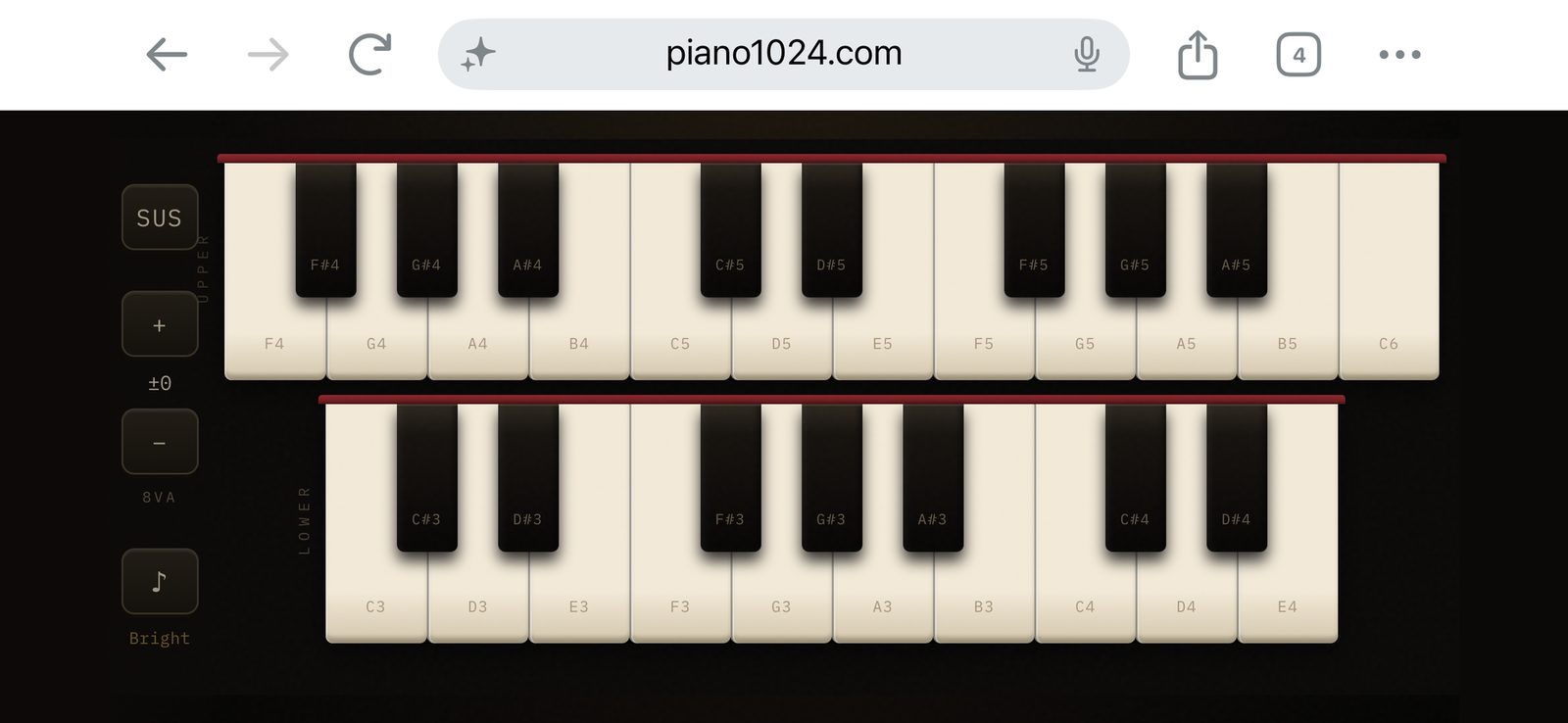
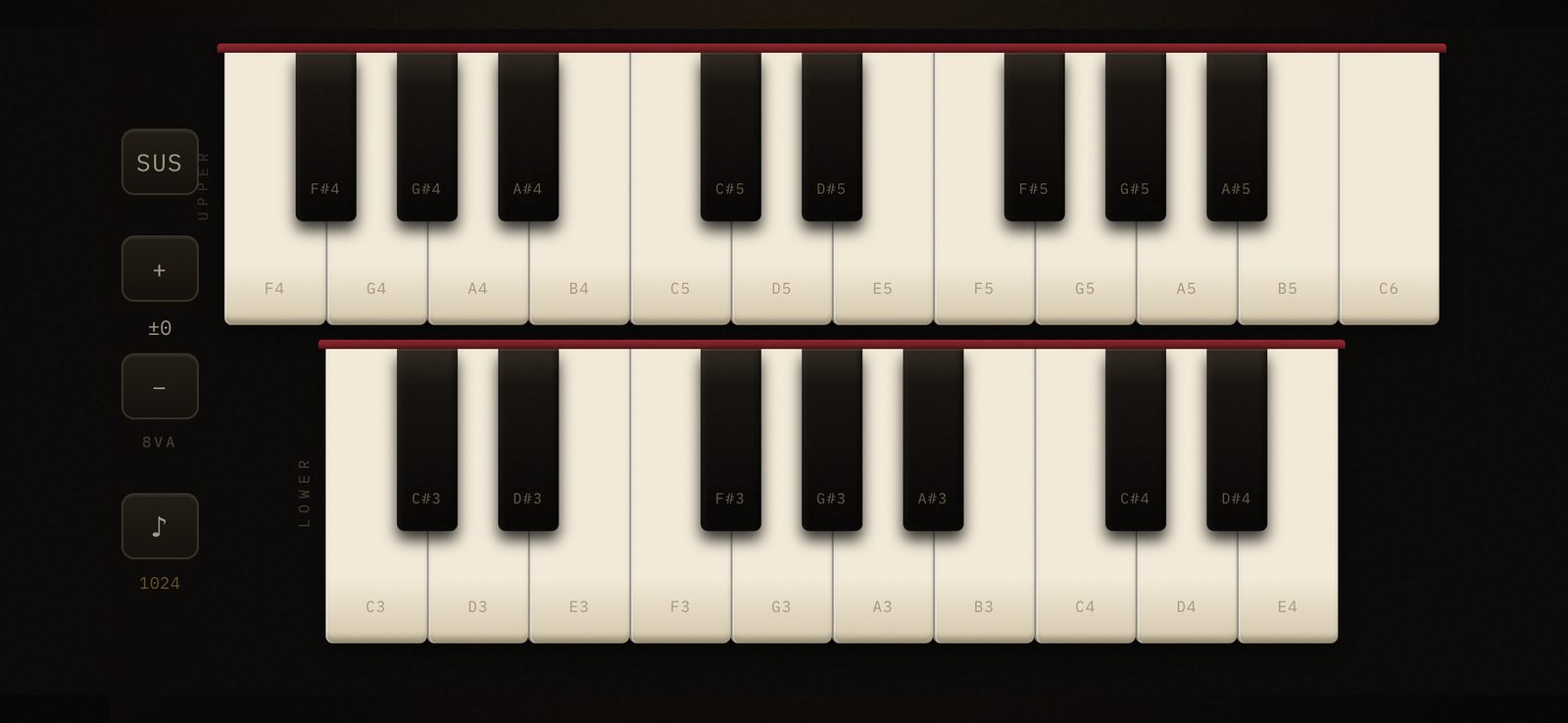
On a touchscreen the piano is, in one way, better than on the keyboard it was born for: phones track up to ten fingers independently, so full chords and multi-finger glissandi work with no rollover limit at all. The flow is portrait-then-landscape — set your voice, octave, dynamics and pedal modes in portrait, then rotate: the title and console drop away and the keyboard fills the entire screen, edge to edge.
The best version, though, is the one that stops looking like a website. Add the page to your home screen — on iPhone, Safari's share button, then Add to Home Screen; on Android, the browser menu, then Add to Home Screen or Install — and launch it from its icon. The browser chrome vanishes and the instrument opens full-screen like a native app, though nothing was installed from a store and nothing runs but the page you already visited.
II.Inside your AI chat
Piano 1024 has one more home: inside ChatGPT and Claude. Ask for music and a real, playable keyboard appears right in the conversation — every note synthesized live on a tappable in-chat card, the same way it is here, with no samples and no audio setup.
In the chat it becomes a small music studio. It plays anything you name — a note, a chord, a progression, a scale, a melody — and teaches a song phrase by phrase, with fingering and hands-separate practice. It keeps a metronome in any meter, even compound time like 6/8, and it runs graded ear-training drills, coaching you through intervals, chords, and scales. Try saying “teach me to play Twinkle Twinkle, with fingering,” or “write a dreamy progression in A minor, then add a melody.”
Adding it takes about a minute — no separate account, no payment, nothing downloaded; it runs inside the chat you already use. In ChatGPT, open the app picker and search “Piano 1024.” In Claude, go to Settings → Connectors → Add custom connector and paste the URL below, leaving authentication empty:
https://mcp.piano1024.com/mcp
The full guide, with live example cards, is at mcp.piano1024.com.